AI bedroom design from a photo of your bedroom
Room Stylist AI restyles a photo of your bedroom with new bedding, headboard, wall colour, lighting and soft furnishings. It keeps the walls, window, door and built-in wardrobes where they are. Every example carries a red trace of the original layout so you can check it.
How the red trace is made and scored · What a render will cost
Try it with your own photo
Step 1 of 3
Add a photo of your bedroom
Shoot from the doorway with the bed and window in frame. Hold the phone level and use the 1x lens. Open the curtains because a dark bedroom loses its wall edges. Your photo stays on this device: nothing is uploaded yet.
Step 2 of 3
Step 3 of 3
Rendering is not switched on yet
We are finishing the image service that turns your photo into a render. Until it opens, the examples on this page show what the output looks like. Join the waitlist and we email you the day you can render your own room.
More bedroom examples
Two real bedrooms are shown. Slide to compare then switch the red trace off to see each render on its own.
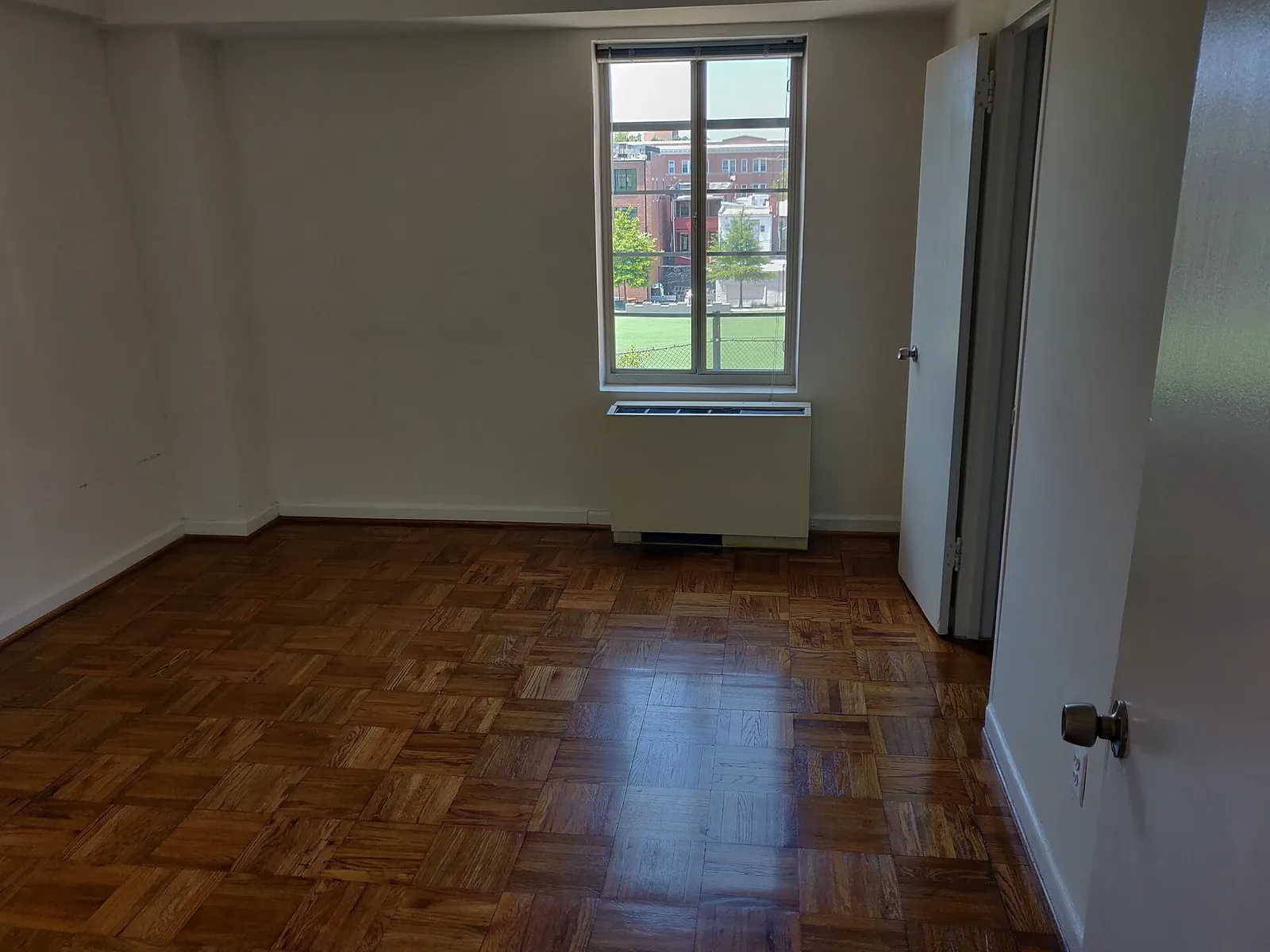
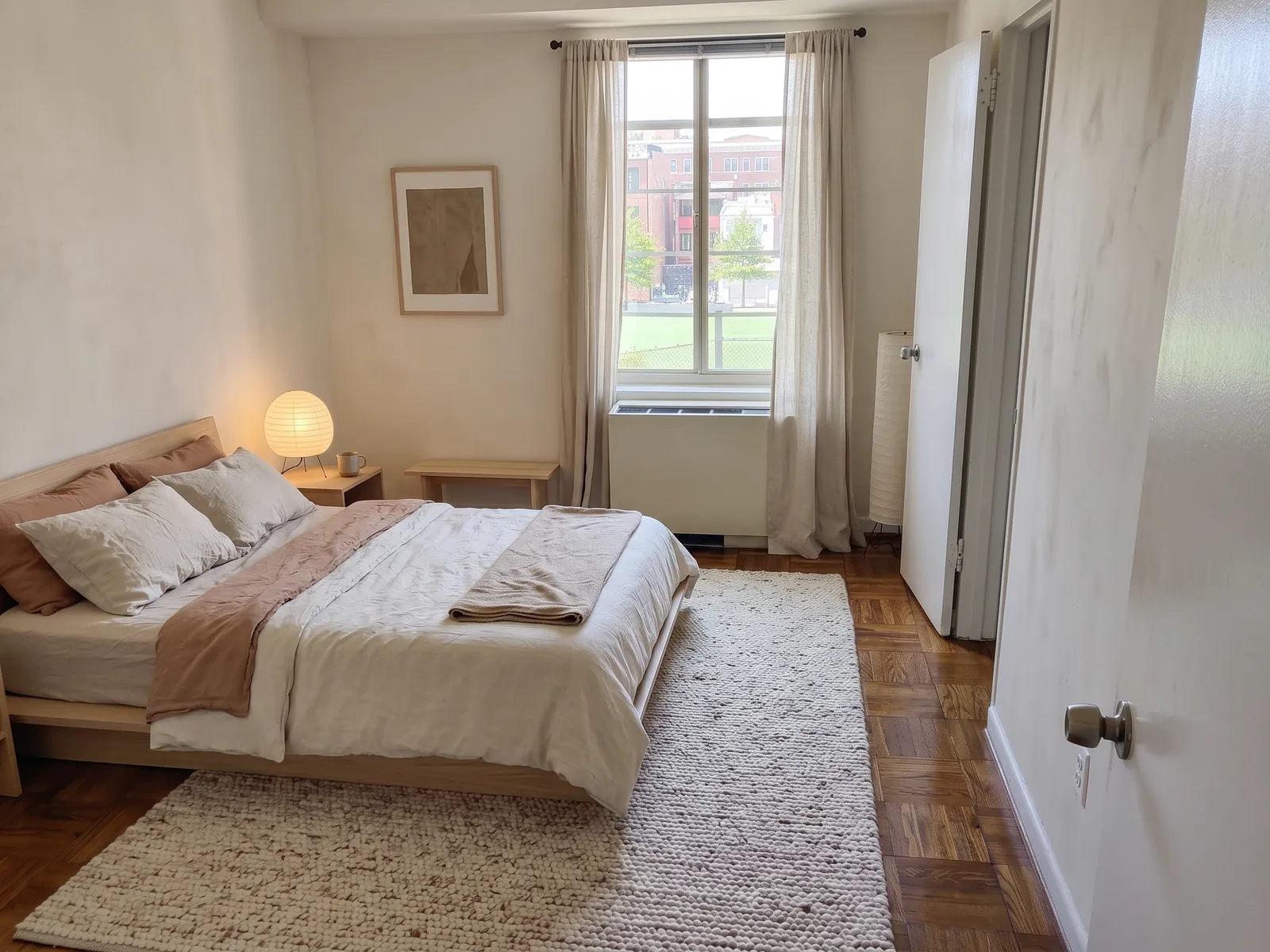
AI generated exampleBedroom. Layout kept score 94.3%. Before photo: Kurt Kaiser, CC0, via Wikimedia Commons.Red lines: walls, windows and doors traced from the before photo. 94.3% of the traced line length still sits on an edge in the render.KeptWalls and ceilingWindow and door openingsFloor areaRadiator and built-insChangedBed added: low oak frameBedding: linenRug: woolSide table and lampCurtains: linenWall art 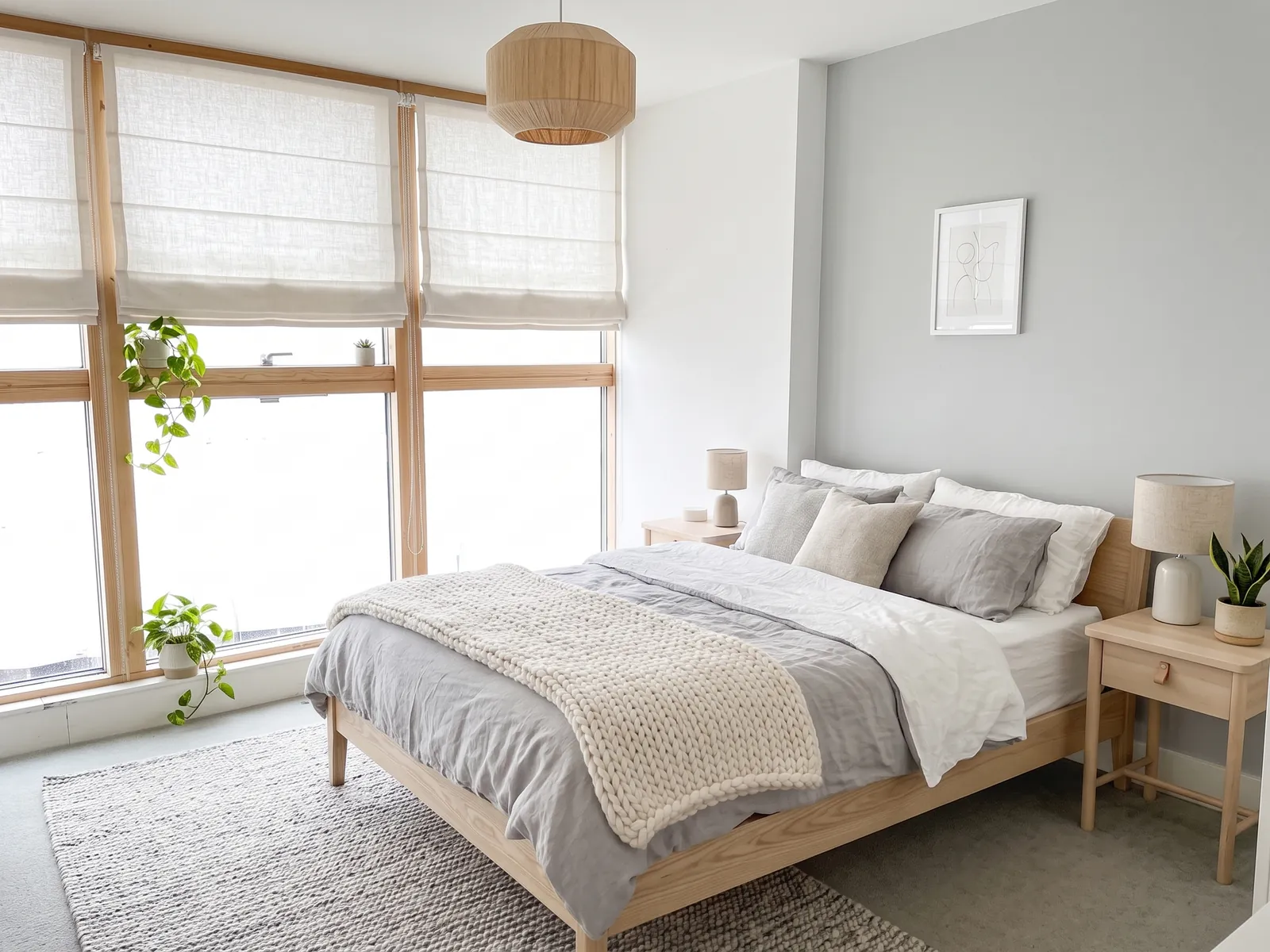
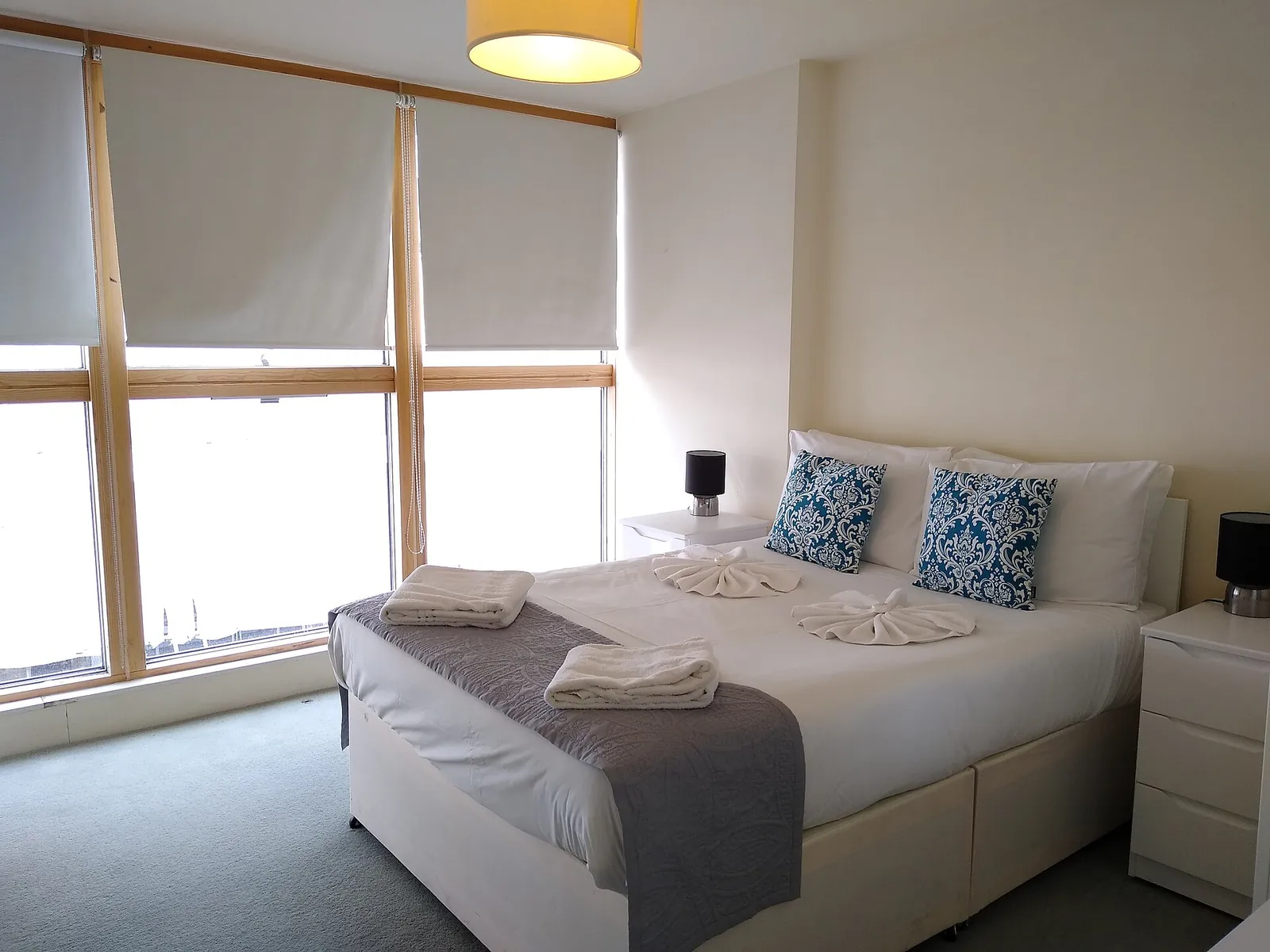
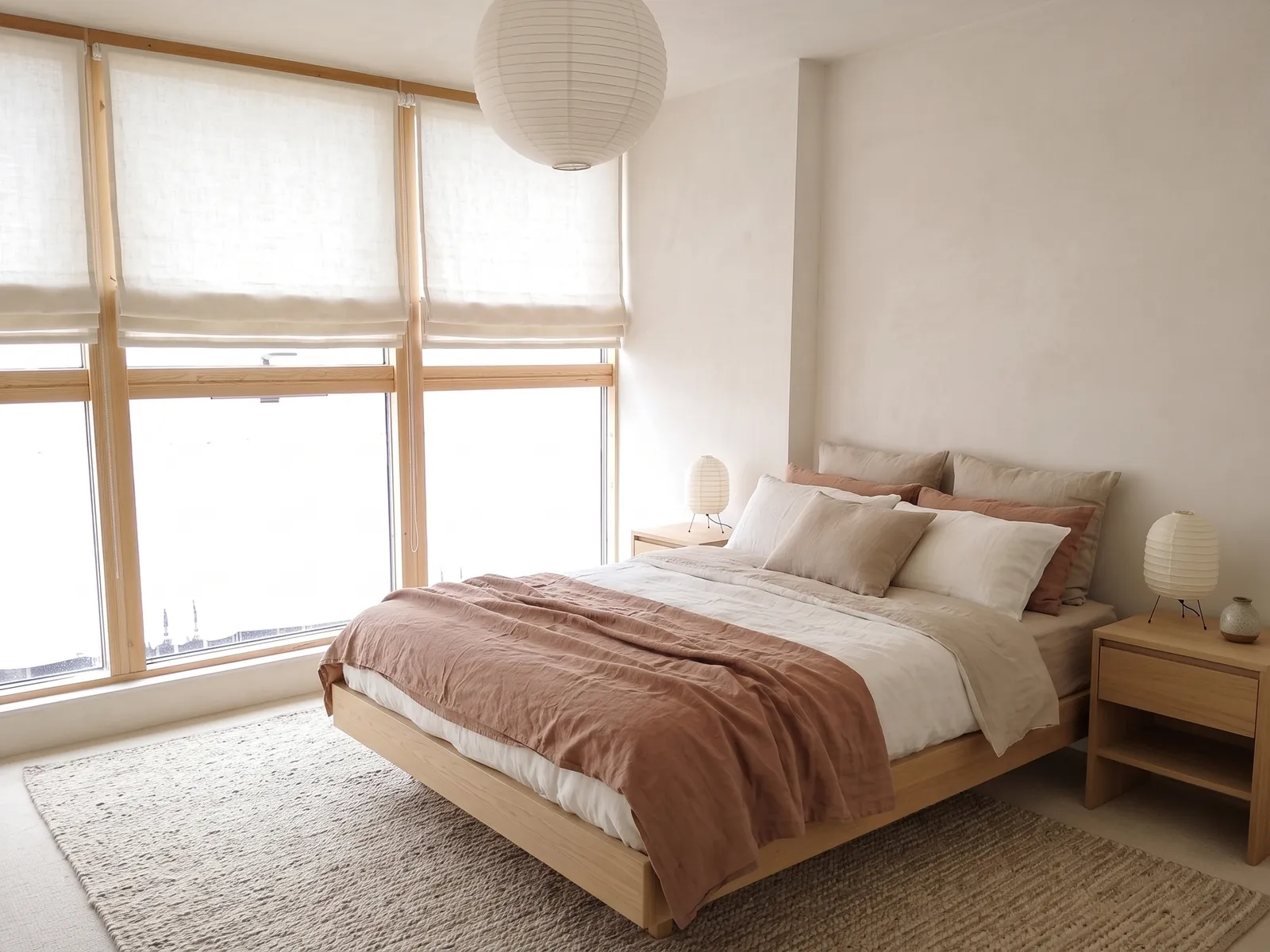
AI generated exampleBedroom. Layout kept score 95.0%. Before photo: Mx. Granger, CC0, via Wikimedia Commons.Red lines: walls, windows and doors traced from the before photo. 95.0% of the traced line length still sits on an edge in the render.KeptWalls and ceilingWindow and door openingsFloor areaRadiator and built-insChangedAccent wall: pale greyBlinds: linen RomanBed: oak frameBedding and knitted throwPendant: rattanRug and plants 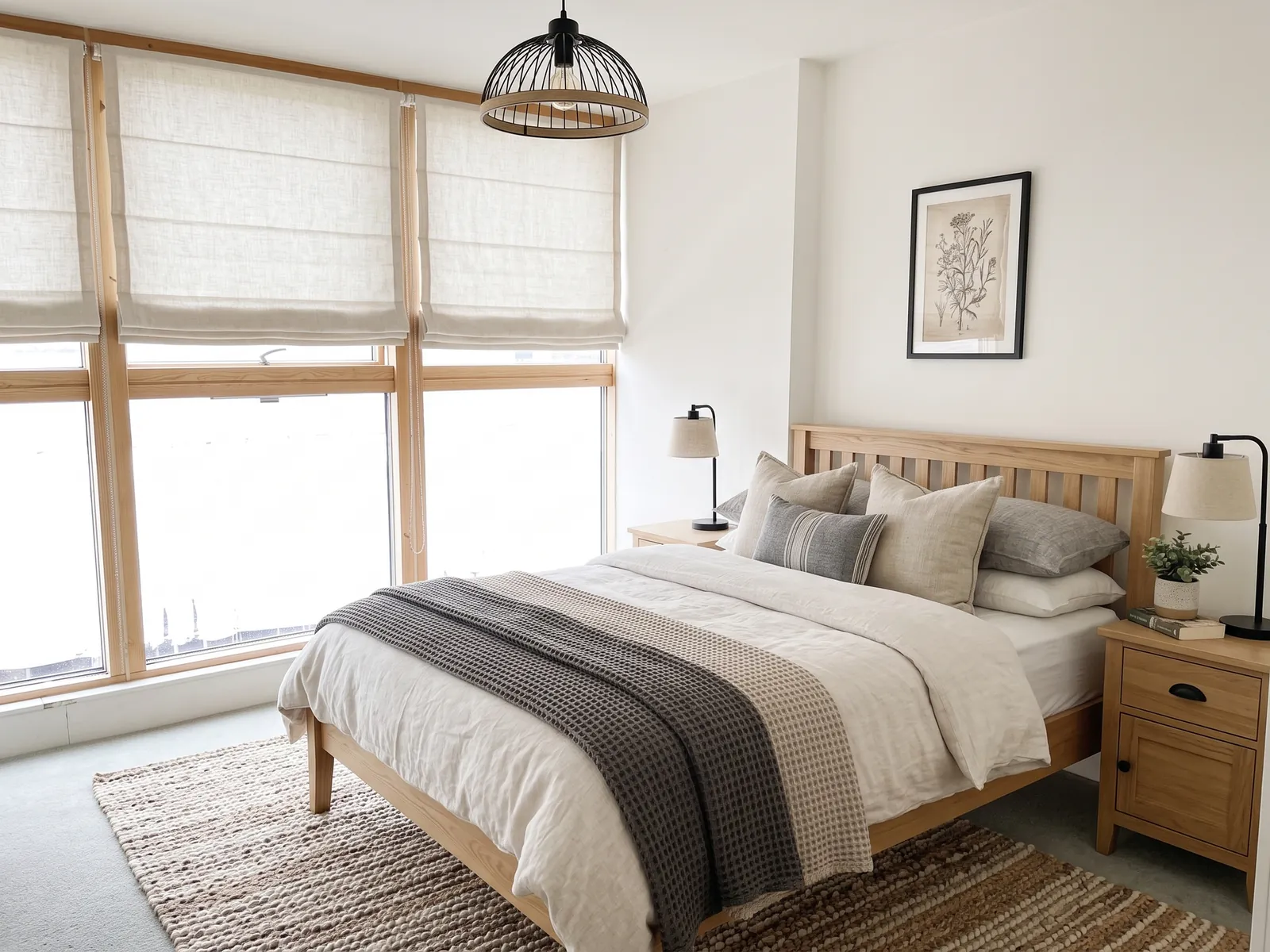
AI generated exampleBedroom. Layout kept score 96.5%. Before photo: Mx. Granger, CC0, via Wikimedia Commons.Red lines: walls, windows and doors traced from the before photo. 96.5% of the traced line length still sits on an edge in the render.KeptWalls and ceilingWindow and door openingsFloor areaRadiator and built-insChangedBlinds: linen RomanBed: slatted wood headboardBedding: grey and whiteRug: jutePendant: black metalSide tables, wall art
What changes in a bedroom render, and what stays
Kept: walls and ceiling, window and door openings, floor area, fitted wardrobes, radiators and any fireplace. Changed: bedding, headboard, bed frame finish, bedside furniture, rug, curtains or blinds, lamps and wall colour.
Bedrooms suit this well because nearly everything that changes in the render is something you can buy and carry upstairs. That makes the render a fair shopping brief. The Japandi version gives a low bed frame, linen bedding, an oak bedside table and a paper shade.
Why some bedroom renders failed
We ran two bedrooms through three styles each with up to three attempts. Four of six passed. Both failures were on the same photo. It shows an empty bedroom with a parquet floor and one window over a radiator. It also has two doors. The Scandinavian and boho renders failed with best scores of 59.3% and 59.9%. Japandi passed on the same photo at the second attempt. The photo itself can work.
Bedroom photo checklist
- Open the curtains and turn the main light on.
- Make the bed because piles of clothes become props in the render.
- Include the ceiling line and at least one door or window frame.
- Hold the phone level with the 1x lens from the doorway.
See the same check on a living room or read how the score is worked out.
Questions
Can AI redesign my bedroom from a photo?
Yes. When rendering opens you upload one photo and choose bedroom and a style. Room Stylist AI returns a render with new bedding, paint, lighting and furniture finishes while the walls, window and door stay where they are. It is told to restyle the room you have rather than rearrange it.
Which bedroom styles hold the layout best?
In our tests Japandi held the layout in both bedrooms. Scandinavian and modern farmhouse passed on the second bedroom. On the first bedroom Scandinavian and boho restyles failed the 90% check. They are not in the gallery.
Is there a free AI bedroom design tool?
Planned launch pricing is two free renders with no card then £0.99 per render. Rejected renders will neither use your free allowance nor be charged. Rendering opens after the waitlist. Joining the waitlist is free.
Will the AI change my wardrobe or radiator?
Built-ins such as fitted wardrobes, radiators and fireplaces are kept. Freestanding furniture such as bedside tables, chairs and the bed frame can be restyled.